Как создать резюме, дружественное к системам отбора заявок (ATS) в 2026 году
Введение
В современном мире поиска работы, системы отбора заявок (ATS) играют ключевую роль в первоначальном отборе кандидатов. Эти системы используют алгоритмы для анализа и ранжирования резюме на основе соответствия вакансии. Чтобы увеличить шансы на то, что ваше резюме будет замечено, важно создать его с учетом требований ATS. В этой статье мы расскажем, как работают системы отбора заявок, почему форматирование имеет значение и предоставим пошаговый чек-лист для создания резюме, которое будет 'читаемо' для роботов.
Как работают системы отбора заявок (ATS)
Системы отбора заявок используются большинством компаний для автоматизации процесса поиска кандидатов. Эти системы анализируют резюме и сопоставляют их с требованиями вакансии. ATS ищет ключевые слова, навыки и опыт, указанные в описании вакансии, и ранжирует резюме на основе соответствия. Чтобы ваше резюме было замечено, важно включать в него ключевые слова и фразы из описания вакансии.
Почему форматирование имеет значение
Форматирование вашего резюме имеет большое значение при создании резюме, дружественного к ATS. Системы отбора заявок могут иметь трудности с чтением резюме с сложным форматированием, таблицами и графиками. Поэтому важно использовать стандартные шрифты,such as Arial, Calibri or Helvetica, и избегать использования слишком многих разных шрифтов и размеров.
Советы по созданию резюме, дружественного к ATS
Чтобы создать резюме, которое будет 'читаемо' для роботов, следуйте этим советам:
- Используйте стандартные шрифты и размеры.
- Избегайте использования таблиц и графиков.
- Включайте ключевые слова и фразы из описания вакансии.
- Используйте четкий и краткий язык.
- Проверьте свое резюме на ошибки.
Пошаговый чек-лист
Чтобы убедиться, что ваше резюме будет 'читаемо' для роботов, следуйте этому пошаговому чек-листу:
- Выберите стандартный шрифт и размер.
- Удалите таблицы и графики.
- Включайте ключевые слова и фразы из описания вакансии.
- Напишите четкий и краткий заголовок и резюме.
- Проверьте свое резюме на ошибки.
Заключение
Создание резюме, дружественного к ATS, имеет большое значение в современном мире поиска работы. Следуя этим советам и используя конструктор резюме на gethired.work, вы можете создать идеальное резюме, которое будет 'читаемо' для роботов и увеличить шансы на то, что ваше резюме будет замечено. Не теряйте время, создайте свое резюме прямо сейчас и увеличьте шансы на успех в поиске работы.
За пару минут вы можете создать идеальное резюме с помощью gethired.work и сделать первый шаг к своей мечте. Начните прямо сейчас и откройте для себя новые возможности в поиске работы!
Читайте также

Резюме инженера-программиста: экспертные советы и оптимизация с помощью AI
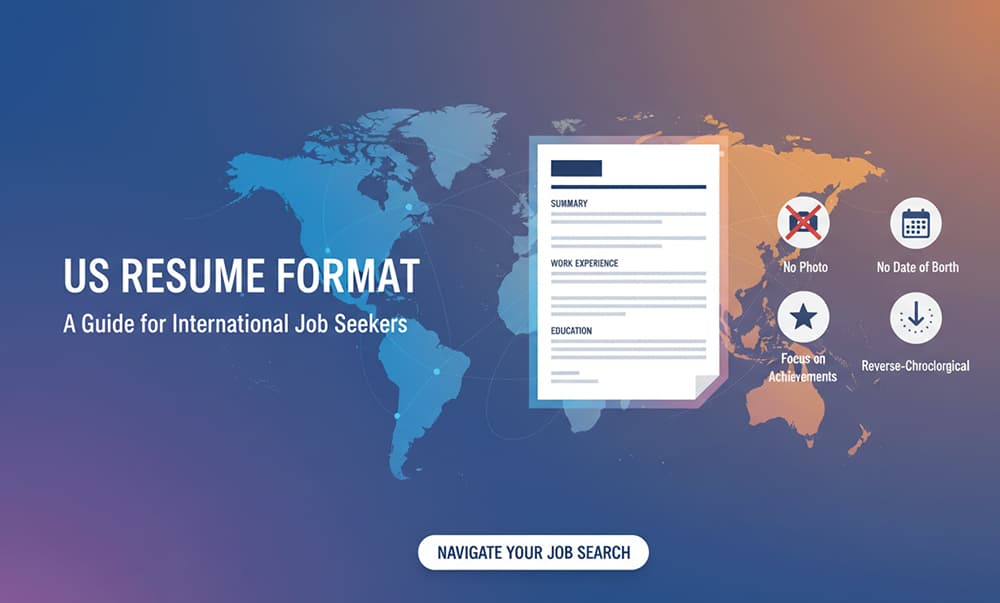
Формат резюме в США: Руководство для иностранных соискателей

Hard Skills Get You the Interview, Soft Skills Get You the Job
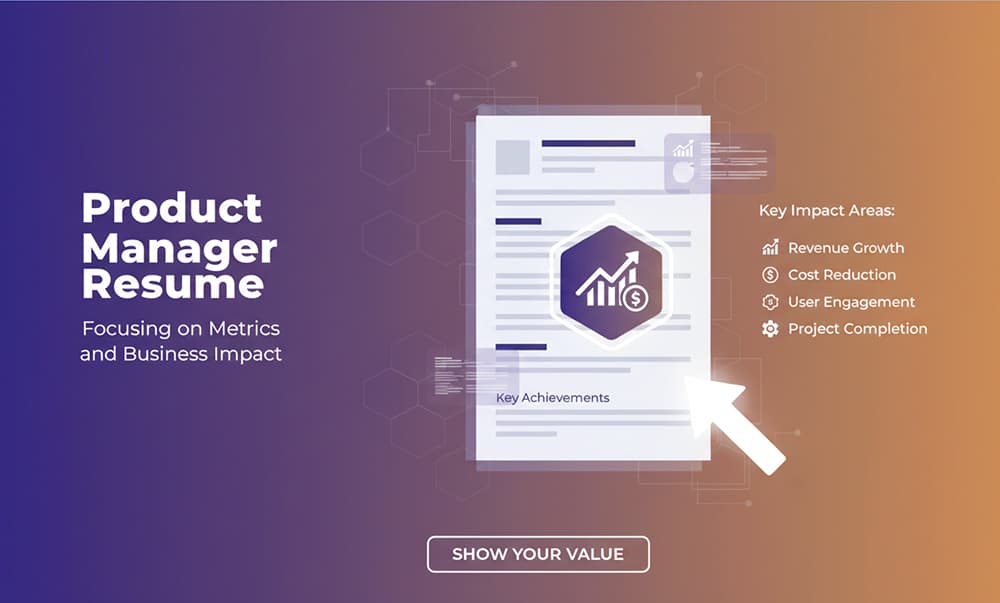
Резюме Product Manager: Как Подчеркнуть Метрики и Бизнес-Влияние

Офисный герой: Как составить резюме для административных и вспомогательных ролей
